The mounting style of a mechanical keyboard determines how the switch plate and printed circuit board (PCB) are secured within the outer chassis. While switch type and keycap profile often receive the most attention, the mounting mechanism is the primary structural factor dictating typing acoustics, bottom-out firmness, and switch plate flexibility.
Whether you are building a custom keyboard or choosing a pre-assembled board, understanding how different mounting configurations work will help you find the optimal balance between tactile feedback, sound dampening, and typing comfort.
An Overview of Core Keyboard Mounting Styles
Over the evolution of mechanical keyboards, designers have developed several mounting techniques. Each style distributes typing force differently across the case:
- Tray Mount: Common in traditional and entry-level keyboards, the plate and PCB screw directly into standoffs placed along the bottom case. While cost-effective and rigid, tray mounts can create uneven typing firmness and stiffer spots around standoff locations.
- Top Mount: The switch plate is screwed directly to the perimeter of the top frame. This produces a consistent, crisp acoustic signature and uniform resistance across the entire alphanumeric cluster.
- Bottom Mount: Similar to top mount, but the plate attaches to the lower case rim. It yields a solid typing feel with slightly deeper sound reflections depending on case material.
- Sandwich Mount: The plate tabs are clamped directly between the upper and lower case halves. This design offers high rigidity, precise plate alignment, and a distinct, pronounced bottom-out feel.
- Integrated Plate: The upper housing and the switch plate are machined from a single piece of material. This provides extreme rigidity and sharp, clacky acoustics, but zero structural flex.
- Gasket Mount: The plate and PCB assembly rests on silicone, rubber, or foam strips (gaskets) sandwiched between the case halves without direct screw contact. This isolates vibrations, reduces hollow case resonance, and provides a cushioned, flex-friendly typing experience.
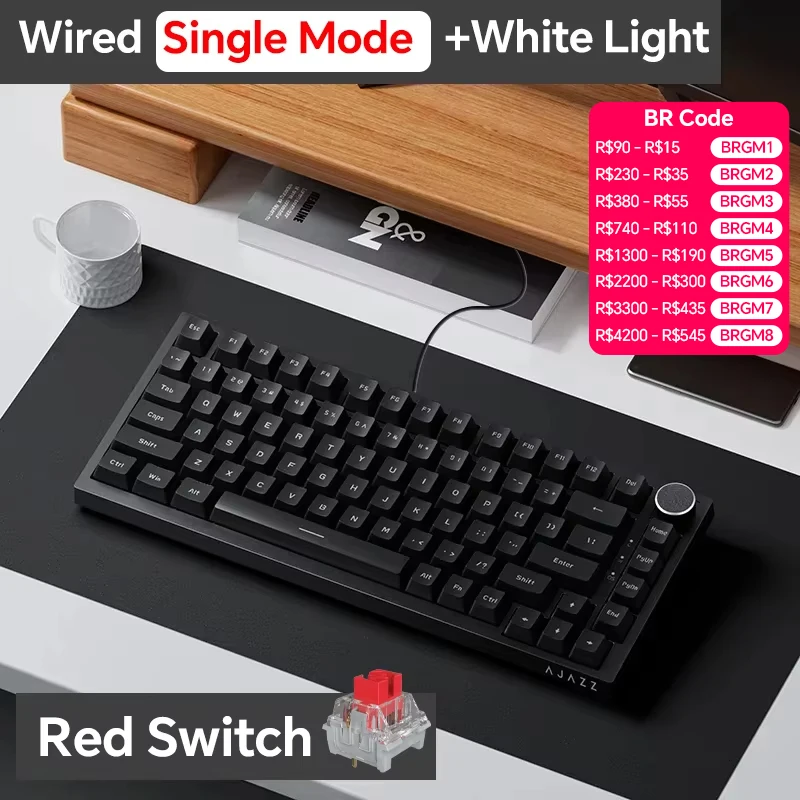
AJAZZ AK820/Pro Wireless Mechanical Keyboard Bluetooth 5.1 2.4G USB-C Wired H…
Why Gasket Mounting Leads Modern Keyboard Design
Gasket-mounted boards have become the standard for enthusiasts seeking a softer, more muted sound profile and reduced finger fatigue during long typing sessions. By decoupling the plate from rigid mounting screws, acoustic energy is dispersed into the dampening material rather than transferring directly into the chassis.
Modern production keyboards pair gasket architecture with internal multi-layer acoustic foam (such as Poron, IXPE, and silicone) and hot-swappable sockets, making high-end acoustic tuning accessible without requiring complete custom assembly.
Featured Gasket-Mounted Boards and Maintenance Tools
If you are exploring gasket-mounted setups or need tools to maintain and tune a hot-swappable board, several proven options cater to different desk layouts and modification needs.
AJAZZ AK820 / Pro Wireless Mechanical Keyboard
The AJAZZ AK820 / Pro is an accessible entry point into gasket-mounted architecture, available at an approximate reference price of $37.48 (rated 98 across 8,141 reviews). It incorporates a cushioned gasket structure alongside tri-mode connectivity, supporting Bluetooth 5.1, 2.4GHz wireless, and USB-C wired modes. Built with hot-swappable switch sockets and customizable RGB backlighting, it is well-suited for budget-conscious users who want a flexible typing feel and wireless convenience without committing to an expensive custom kit.
AULA F87 Pro Mechanical Keyboard
For users who prefer a dedicated navigation cluster, the AULA F87 Pro offers a tenkeyless (87-key) format priced at around $63.25 (rated 98.1 across 2,497 reviews). It pairs a multi-layer gasket structure with five built-in silencing layers designed to filter out unwanted reverberations and hollow case ping. Featuring durable PBT keycaps, full-key rollover (no impact), RGB lighting, and tri-mode wireless functionality (2.4GHz, Bluetooth, USB), the F87 Pro is tailored for productivity setups and gaming desks that require a balanced, medium-sized footprint with deep acoustic dampening.
AULA F75 Gaming Mechanical Keyboard
The AULA F75 delivers a space-saving 75% layout at a reference price of approximately $68.91 (rated 97.6 across 2,966 reviews). Designed with an OEM keycap profile and an internal gasket isolation structure, the F75 retains essential arrow keys and function rows while minimizing desk footprint. With tri-mode connectivity (2.4GHz wireless, Bluetooth, and wired USB) and dynamic RGB lighting, it is ideal for gamers and minimalists seeking a compact layout with a soft, isolated bottom-out feel.
2-in-1 Switch and Keycap Puller DIY Tool
Customizing or maintaining a hot-swappable gasket board requires safe component removal tools to avoid bending switch pins or scratching keycap sidewalls. The 2-in-1 Switch and Keycap Puller is an essential accessory priced at around $5.34 (rated 98 across 2,223 reviews). It integrates a wire keycap puller on one end and a durable switch removal clip on the other, making switch swapping, stabilizer lubing, and plate-level maintenance straightforward for any DIY enthusiast.
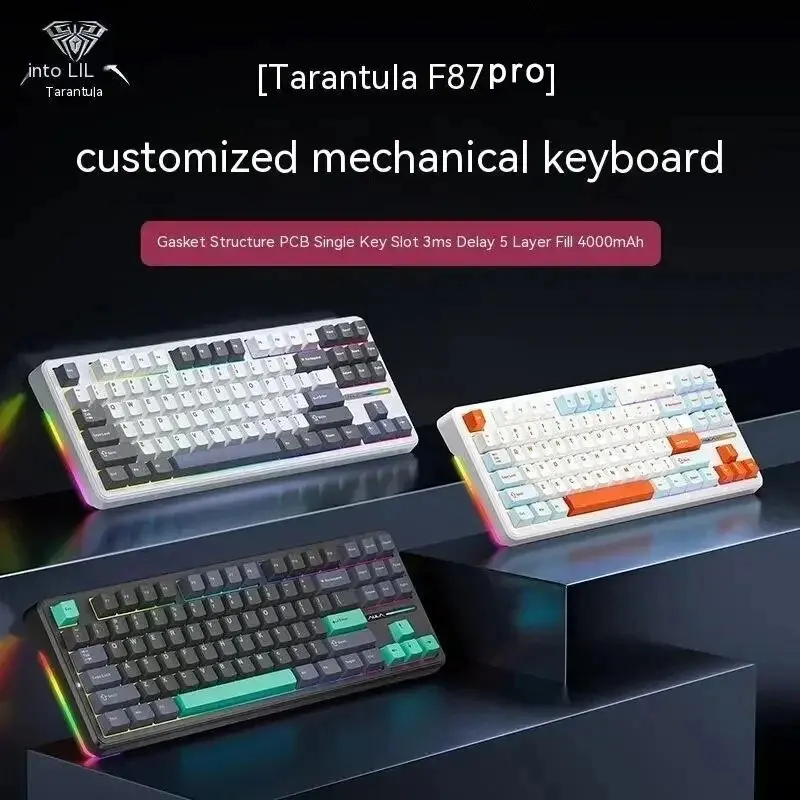
AULA F87 Pro Mechanical Keyboard 2.4g/Usb/Bluetooth Tri Mode Wireless 87 Key …
Mounting Style Decision Criteria: What Fits Your Typing Style?
When selecting a mechanical keyboard or building a custom configuration, consider how the mounting style and accompanying features align with your daily workload:
- Typing Fatigue and Cushioning: If you write for extended periods or prefer a softer landing when bottoming out keys, gasket-mounted boards like the AULA F87 Pro or AJAZZ AK820 absorb excess impact and reduce strain compared to rigid tray mounts.
- Acoustic Preferences: Gasket structures combined with multi-layer dampening foam naturally produce deeper, more contained keystroke sounds ("thock"). If you prefer a louder, crisper bottom-out ("clack"), traditional top-mount or integrated plate designs provide more direct reverberation.
- Layout Optimization: Choose a form factor that complements your workflow. A 75% layout like the AULA F75 maximizes mouse clearance, while an 87-key TKL layout provides standard spacing for dedicated editing keys.
- Customization and Maintenance: Choosing a hot-swappable PCB allows you to swap switch types (linear, tactile, or clicky) without soldering. Having a reliable 2-in-1 puller ensures you can adjust switches without damaging the switch plate or sockets.
Note: Listed prices are global USD reference values and are subject to change based on platform promotions, currency shifts, and supplier updates.
Featured Products on AliExpress
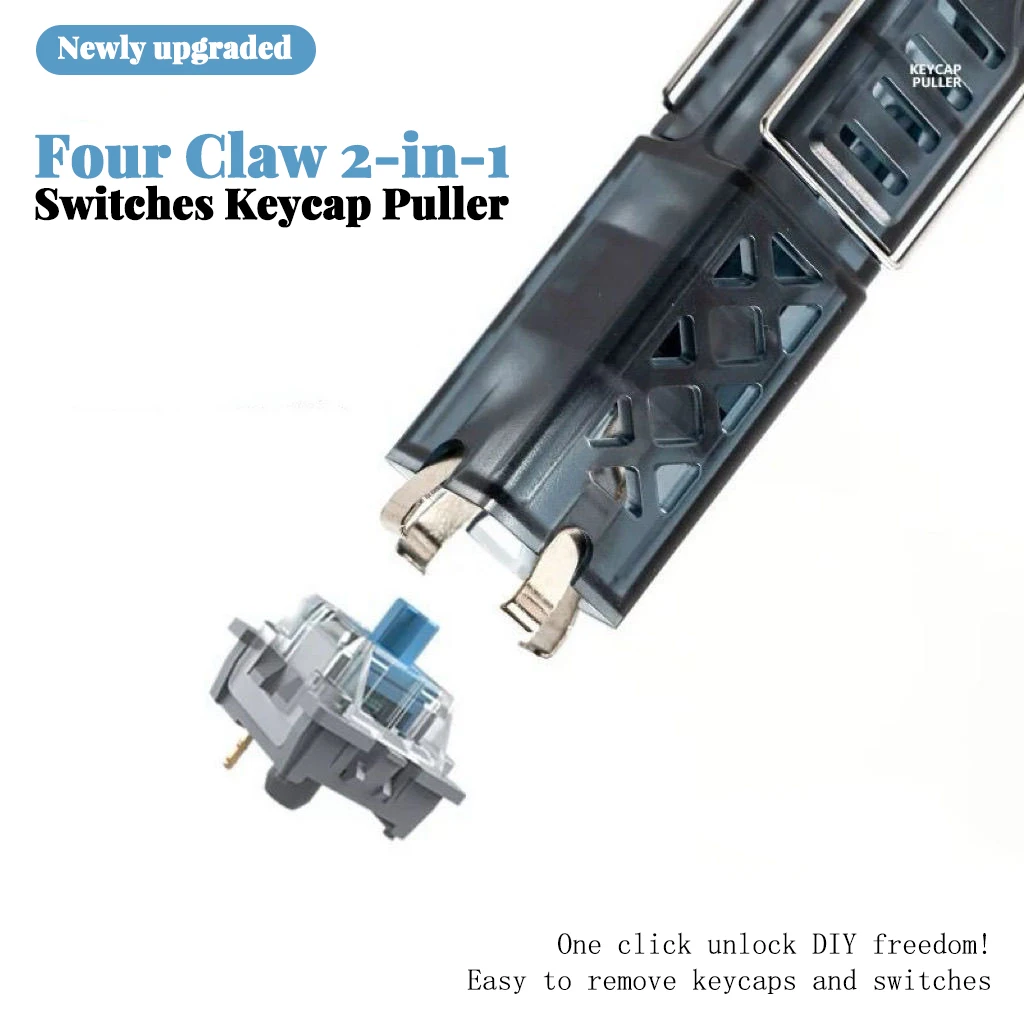
NEW 2 in 1Switches Puller Keycap Puller Customized Hot Swap Shaft Keycap Remo…
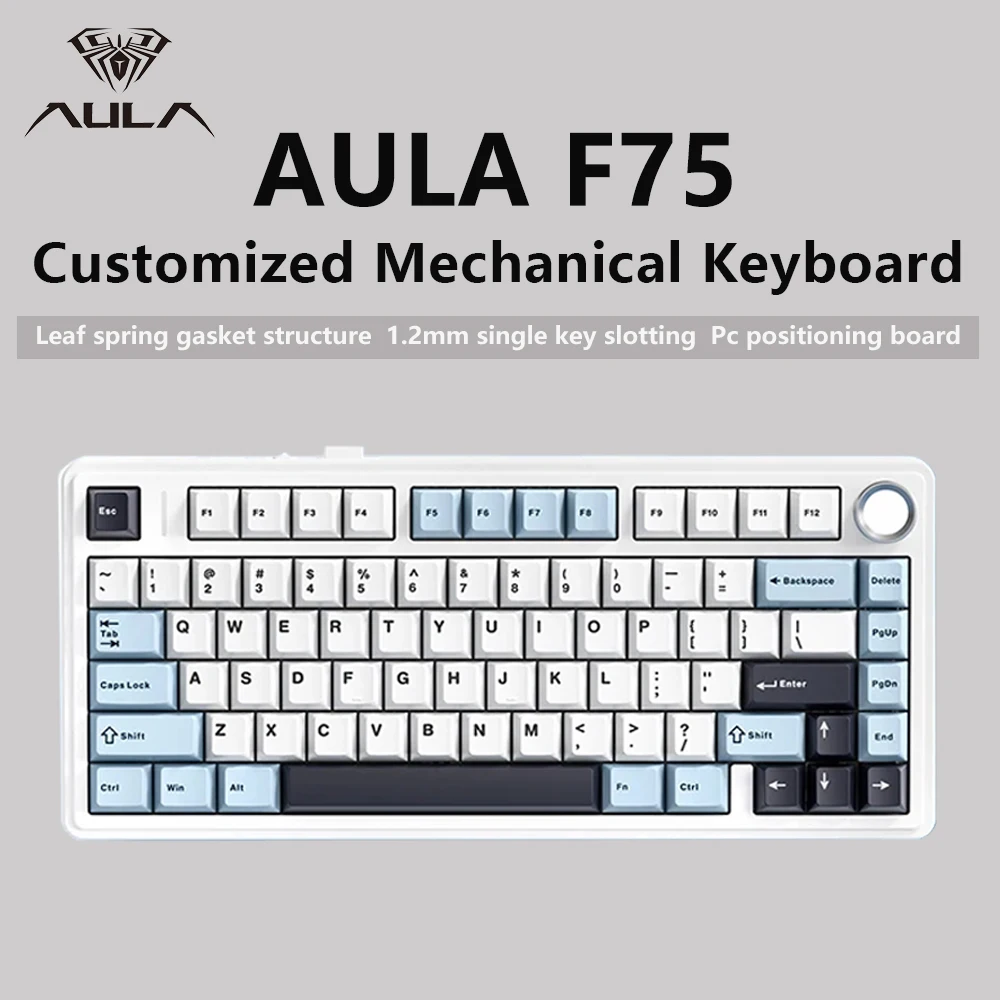
AULA F75 2.4G Wireless/Bluetooth/Wired Gaming Mechanical Keyboard RGB Customi…